
Client intake forms that fill your CRM & follow up automatically

Describe your practice and AI builds your client intake form. Every answer lands on the client's contact card, and your welcome email sequence goes out automatically.

or try
Law firm intake
Coaching intake
Accounting intake
Rated highly on

Start from a template

Discover client intake form templates for your trade

Open a template built for law firms, advisors, consultants or real estate agents, change the questions and publish it on your site.

SOC 2® Type 2 audited and GDPR-compliant by design

From intake form to first meeting, without the admin work

Built in minutes with AI

Describe your practice and the AI Agent creates a form with the logic and questions.
Contacts.

Every client is a contact

Every answer lands on a contact card in the built-in CRM, ready for the first call.
Email workflow.

Follow up automatically

Email sequences welcome each client and send the next steps, based on their answers.
Calendar integration embedded.

Book the meeting

Clients can pick a date and time in your calendar without leaving the form.
Funnel question becomes contact data.

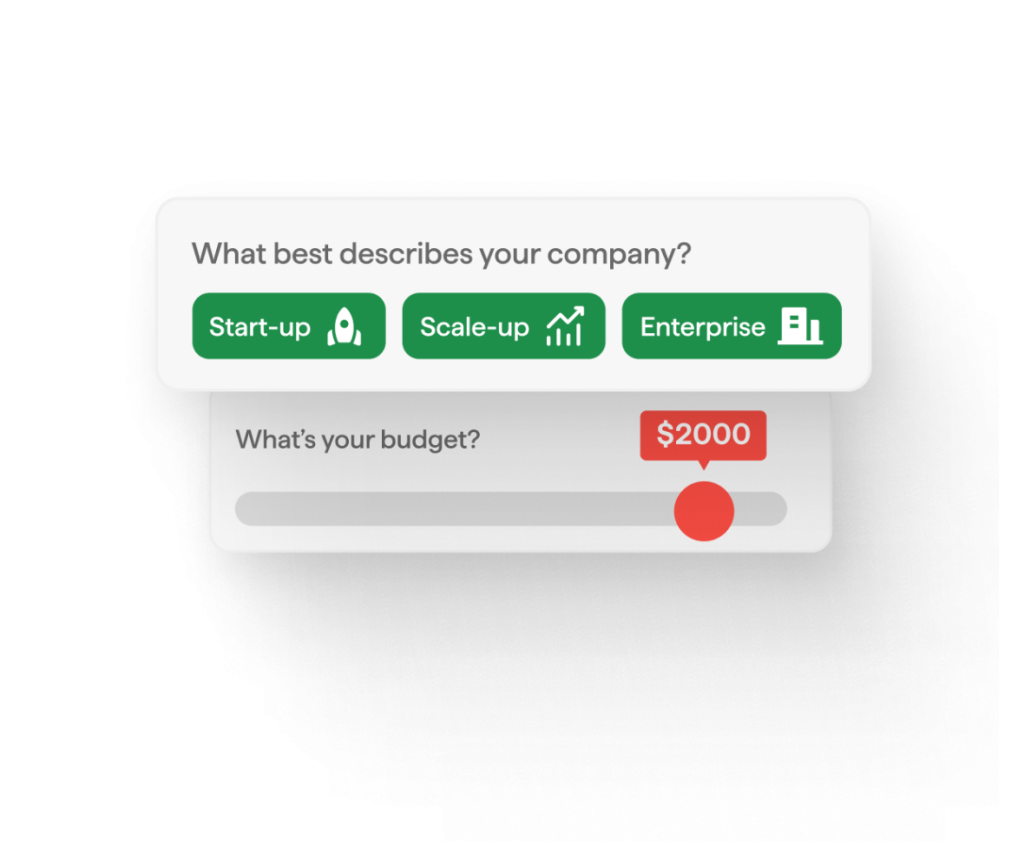
Qualify every client before the first call

Score the answers on service, budget and timeline, and let the result decide what happens next. Good fits book the first meeting, and everyone else gets a next step that suits them.

  • Conditional logic shows each client only the questions for their service

  • Score-based Outcomes put the booking step only in front of clients who qualify

  • Workflows tag each client and email the right person on your team, from the Start plan

What customers say about involve.me

Automated email workflow for coaches.

Welcome every new client with email sequences

The answers decide which emails go out: what to prepare, how the first meeting works and what happens next.

  • AI drafts the follow-up workflow from your intake form

  • Branch on any answer and set the wait time between emails

  • Add or remove tags, update the contact and email your team

Intake form signature and file upload.

Collect signatures, documents and retainers in one form

Engagement letters, IDs, tax documents and signed consents arrive in one sitting, stored with the submission.

  • E-signature field for consents and engagement letters, on the Scale plan

  • File uploads up to 20 MB per file on Start and 200 MB on Scale

  • Take a retainer or deposit through Stripe, PayPal or Square

Features that keep your intake clean

Stop junk submissions and see every new client the moment they finish.

Verified emails & phone numbers

A one-time code confirms the email address or phone number before the form submits.

Junk submissions blocked

Reject disposable and personal email addresses and duplicate phone numbers.

Instant team notifications

Get each new intake by email, in Slack or in Microsoft Teams, with every answer.

Partial submissions

See who started the intake form and where they stopped, then follow up (if they entered an email before leaving).

Your branding

Your logo, colors and fonts on every step, so the form blends into your website.

Questions by service type

Conditional logic and answer routing show each client only the questions for their service.

SOC 2® Type 2 audited and GDPR-compliant by design

involve.me all-in-one-platform.

Intake and follow-up in one subscription

Unlike form builders that only collect answers and hand them off, involve.me connects the intake form directly to the follow-up journey. The form, the contact record and the email sequences sit in one place.

  • Replaces a form builder, a separate CRM and an email tool

  • Every answer already on the contact record

  • Embeds on WordPress, Webflow, Squarespace or a custom build

Native Integrations

Connect your intake form to your favorite apps.

Send intake answers and new contacts to the tools you already run. 55+ native integrations, including HubSpot, Pipedrive, Zoho CRM, Mailchimp and Google Sheets, plus Zapier and webhooks.
See all integrations
Active Campaign integration.
awaber icon.
Campaign Monitor integration.
cleverreach icon.
constant contact icon.
Drip integration.
encharge icon.
facebook pixel logo.
freshsales icon.
getresponse integration.
get gist logo icon.
google analytics logo.

What is client intake?

Client intake is everything between a new client's first message and the first meeting: the inquiry, the intake form, a check that the client is a good fit, the booking and the welcome emails.

By hand, that's a chain of emails, a PDF sent back and forth and a calendar link someone has to remember. With involve.me, the form and the booking step live in one funnel. Every answer lands on a contact card, and an automation workflow tags the client and sends the right email sequence.

What is a client intake form?

A client intake form is the questionnaire a new client fills in before the first meeting. They open it from a link in your email or right on your website, answer a few questions and submit. You get their contact details, the service they need, their goals, budget and timeline, plus any documents, before the first call.

It's also called a new client questionnaire, a client onboarding form or a client information sheet. Law firms, accountants, coaches, consultants and real estate agents use one because a first meeting goes better when you already know the basics.

What to ask on a client intake form

Ask what changes your next step, and leave the rest for the first meeting. Each answer below feeds something that happens after the client submits. For a longer list of questions, read our guide to creating a client intake form.

Question

Why you ask it

What happens with the answer

Name, email and phone

To know who the client is and how to reach them

Creates the contact card. A one-time code can verify the email (Scale plan)

Service needed

To show the right questions and route the client

Conditional logic shows the matching questions, and a workflow tags the contact by service (Start plan)

Goals and current situation

To prepare the first meeting

Saved on the contact card and sent in your team notification

Budget and timeline

To see whether it's a fit, and how soon

Answer-based Outcomes send qualified clients to the booking step

How they found you

To learn which channel brings good clients

Hidden fields add the source and campaign automatically (Grow plan)

Documents

To have what you need before the meeting

The file upload field collects them with the submission

Consent or engagement letter

To have the agreement signed before work starts

The e-signature field collects the signature (Scale plan)

First meeting

To book while the client is still engaged

The booking step shows your calendar, and the welcome email sequence starts (Start plan)

Client intake form examples by trade

The core stays the same in every trade: contact details, the service, goals, budget and timeline. What changes is the detail you need before the first meeting.

  • Law firms: the type of matter, key dates, the other parties involved and how urgent it is.

  • Accountants and tax preparers: the entity type, the services needed, the tax years involved and the documents to upload.

  • Coaches: what the client wants to change, what they've tried before and how they like to work.

  • Real estate agents: buying or selling, budget, area, timeline and pre-approval status.

  • Consultants: the business problem, the goal, the budget and who makes the decision.

Start from one of the intake form templates and change the questions to fit your practice.

Online intake forms vs paper, PDF and Google Forms

Paper forms and fillable PDFs work, but clients have to download them, fill them in and send them back, and someone types the answers up afterwards. Google Forms runs online and saves the answers to a spreadsheet.

An online intake form built with involve.me acts on the answers. It saves each client to a contact card, shows only the questions that apply and books the first meeting. From the Start plan, it also starts the welcome email sequence.

Client intake form FAQs

A few facts about client intake forms and how involve.me handles them.