Template Overview
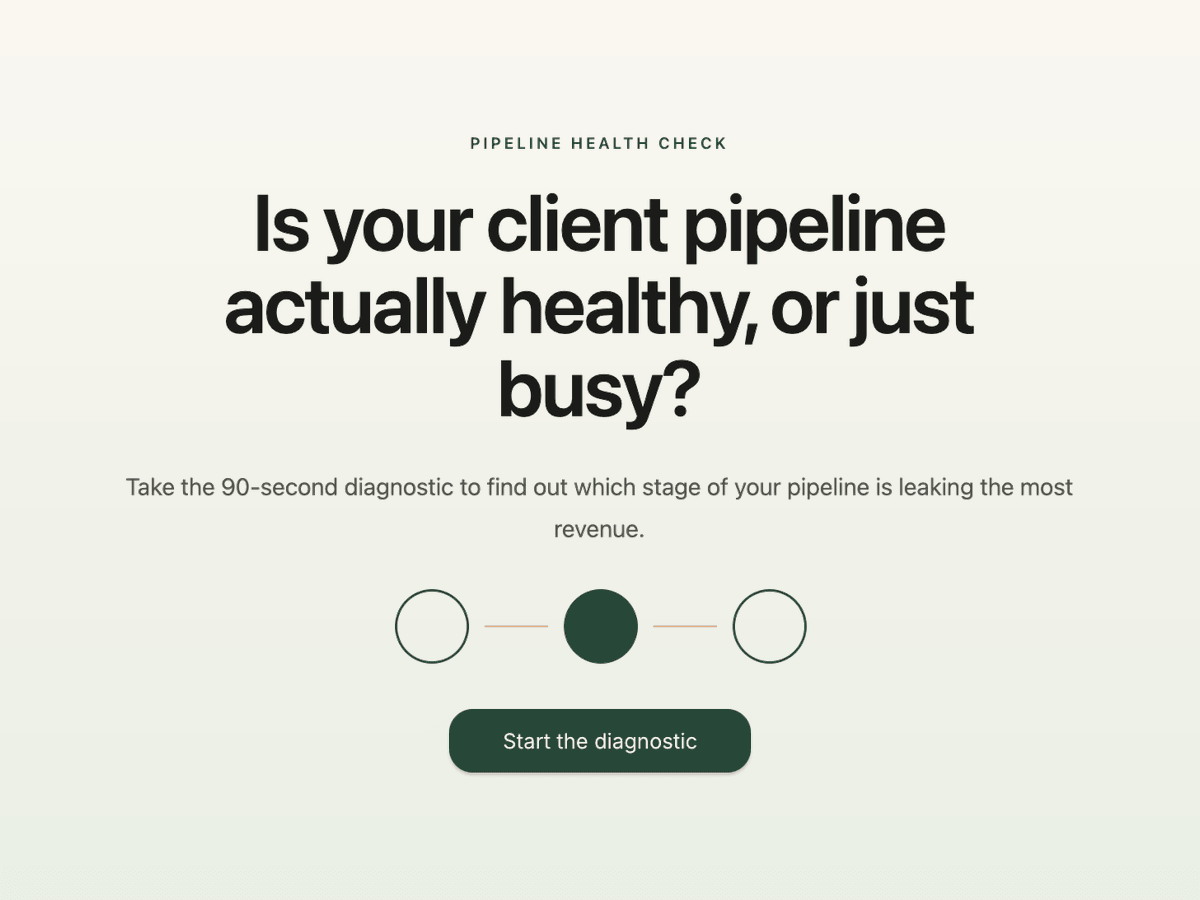
Plenty of consultants and coaches feel busy and still miss their revenue target. The calendar is full of calls, but too few of them turn into proposals. Or the proposals land fine and there simply aren't enough calls. This pipeline health check template works out which of the two it is in 3 questions and about 90 seconds.
Respondents tell you how many conversations with potential clients they had last month, how many became proposals or paid work, and where most of their leads come from. Answer-based outcomes then send them to one of 3 diagnoses: strong pipeline with weak conversion, weak pipeline with strong conversion, or both need work. Each result names the leak in plain language and gives one concrete first action, like reviewing the last 5 sales conversations or setting a weekly conversation target.
The result page ends with a booking calendar for a 30-minute pipeline review, so the diagnosis turns straight into a sales call. Use it as a lead magnet for consultants and coaches on your website, in a LinkedIn post or on the last slide of a webinar. People who take a pipeline diagnostic already suspect something is off, which makes them unusually warm leads.
Key Features
Three questions, three diagnoses - conversation volume, conversion to proposals and the main lead source are enough to separate a demand problem from a closing problem. Answer-based outcomes map each answer to the diagnosis it points to, and the outcome with the most points is the one the respondent sees.
A first action on every result - each outcome page names the leak and gives one specific next step, so the respondent leaves with something useful even if they never book.
Booking calendar on the result page - the Schedule Appointments element embeds Calendly, Cal.com, HubSpot, TidyCal and other scheduling tools right below the diagnosis. Several of them prefill the name and email address the respondent already entered.
Scorecard gate before the result - the contact step offers a personal Pipeline Health Scorecard in exchange for name and email. It sits after the last question, which is when respondents want their answer most.
Email sequences by diagnosis - built-in email automation starts a workflow on every completed submission and branches on the outcome, so a conversion-gap lead gets different emails than a pipeline-gap lead.
Benefits
Leads that name their own problem - every contact arrives with their conversation volume, proposal count and main lead source, which is exactly the context you want before a discovery call.
Shorter discovery calls - the respondent has already seen the diagnosis, so the call starts with the fix.
A lead magnet that fits expert-led businesses - a short diagnostic shows how you think. For consulting and coaching, that sells better than a downloadable PDF.
Follow-up that runs without you - email sequences go out automatically based on the outcome, and an internal email tells you the moment a lead finishes.
Embeds anywhere - run it inline or as a pop-up on your site, or share the standalone link in posts, newsletters and webinar slides.
How It Works
Customize
Rewrite the welcome page and the 3 questions in your own words. If your clients count meetings or demos instead of conversations, change the wording. Adjust the answer ranges to your market too: for a solo coach, 21+ conversations a month is a lot, for a 5-person consultancy it might be a slow month. Then set fonts, colors and logo to match your brand.Configure
Check which diagnosis each answer feeds in the outcome settings, and switch on Individual Score & Calculation if one answer should count more than another. Rewrite the first action on each outcome page so it sounds like your methodology. Then replace the demo Calendly link in the Schedule Appointments element on all 3 results with your own scheduling link, otherwise bookings land in the demo calendar.Connect
Send new contacts to your CRM in the Connect tab, for example HubSpot, Salesforce or ActiveCampaign, or keep them in involve.me. Build an email automation workflow on the Completed Submission trigger: send the scorecard right away, wait 2 days, then branch on the outcome with a follow-up that matches the diagnosis. Add a Send Internal Email step so you know who just finished.Share
Embed the diagnostic on your services page, open it as a pop-up from a blog post, or post the standalone link on LinkedIn with a one-line hook from the welcome page. It also works as the last slide of a webinar, because everyone who attended is a candidate for a pipeline review.Analyze
Compare how many people start the diagnostic with how many reach a result, and how many of those book a call. If one diagnosis dominates, your audience has told you which offer to lead with. When completions drop, try a new welcome headline or a different scorecard promise.
FAQs
-
It compares how many conversations you have with potential clients against how many of them turn into proposals or paid work. That ratio shows whether the problem sits at the top of the pipeline (not enough conversations) or further down (not enough conversions). This template also asks for the main lead source, so the diagnosis can point to where new demand should come from.
-
Consultants, coaches, fractional executives and other expert-led businesses that sell through conversations. Use it as a lead magnet: someone who takes a pipeline diagnostic already suspects a problem, and that is the right moment to offer a review call.
-
It is an Answer-based Outcomes funnel. Each answer counts toward one or more of the 3 diagnoses, and the diagnosis with the most points is shown at the end. Turn on Individual Score & Calculation to give some answers more weight, for example if a very low proposal count should outweigh everything else.
-
Yes. Each outcome page has a Schedule Appointments element that embeds your scheduling tool, including Calendly, Cal.com, HubSpot, SavvyCal and TidyCal. Several of these prefill the name and email collected earlier in the funnel. The appointment itself is stored in your scheduling tool, because involve.me only displays the calendar.
-
They become a contact with their answers and outcome attached. Built-in email automation starts a workflow on the completed submission, sends the scorecard and branches the next emails by diagnosis. Add a Send Internal Email step to get notified, or push the contact to your CRM through the Connect tab.
-
Yes. Change the answer ranges to match your market, rename conversations to calls, demos or meetings, and add a question about average deal size if it matters for your offer. Keep the total short, though: the welcome page promises 90 seconds, and every extra question costs completions.


